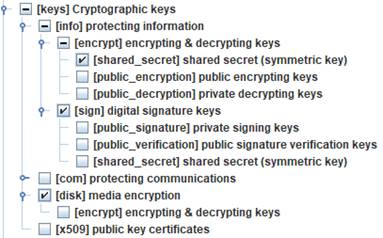
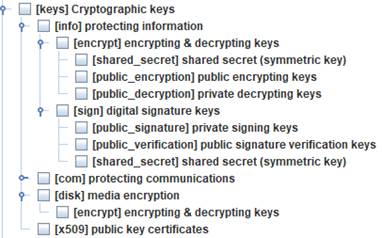
You may qualify the asset with zero or more classes. Classes are used to select threats and safeguards.
 means that the class is not
selected for this asset
means that the class is not
selected for this asset
 means that the class is
selected for this asset
means that the class is
selected for this asset
 means that a subclass is
selected for this asset
means that a subclass is
selected for this asset
Classes
with a mark (*) are those for which there is information on additional
protections (kb).
Class clean / delete
You may right-click on the asset classes’ tree to clean or to delete marks. Cleaning means removing redundant marks, while deleting means removing marks.
Example
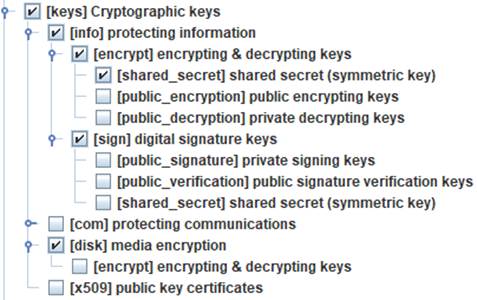
|
right click + DELETE |
|
|
|
|