When right-click on “license” box you are presented with the following options
activation code
If you received an activation code, paste it!
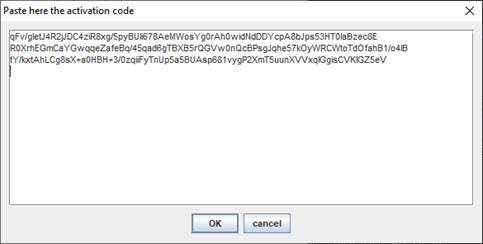
NOTE: Activation codes require an Internet connection to get a valid license.
license file
If you received a LIC file, choose it!
evaluation license
You may auto-generate a temporary evaluation license for 30 days.
reset
Select this option for PILAR to forget last selection and restart license validation.