Most screens include buttons for:
|
|
OK. The changes are saved, and the screen is closed. |
|
|
CANCEL. The changes are undone, and the screen is closed. |
|
|
HELP. Jumps into this help files. |


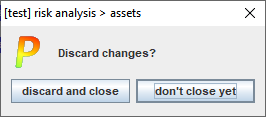
If there are changes, and you click CANCEL, PILAR will ask for confirmation:
If there are changes, and you try to close the window, PILAR will ask for instructions on how to proceed:
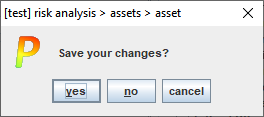
where you can
CANCEL Do not exit.
NO Discard changes and exit.
YES Save changes and exit.