You may define several applicability stages. That means that in different project stages, different safeguards and controls are selected as applicable.
This functionality is useful when you want to stablish an implementation roadmap and incorporate security measures gradually. Or when different accreditation bodies approve different applicability statements.
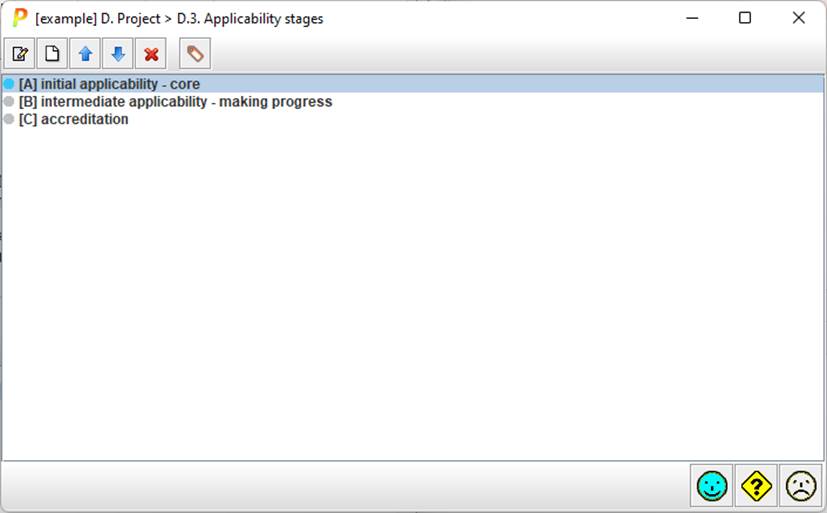
The small bullet on the left shows which one is the current applicability (the applicability values that are applied currently). Grey bullet for every stage, and blue bullet for current one.
|
|
select a stage and click to edit |
|
|
select a stage and click to add another stage below it |
|
|
select a stage and click to move it up also: SHIFT + UP_ARROW |
|
|
select a stage and click to move it down also: SHIFT + DOWN_ARROW |
|
|
select a stage and click to delete it also: DELETE |
|
|
adds standard stages; standard stages are user defined in INFO configuration file. |


On the panel
· select and double click to edit
· right-click to select a stage as current