Currently only for logical borders.
Users may create zones separated by borders, making a difference between been in one zone or being in the border.
Standard approach is to place assets inside, outside, and on the border
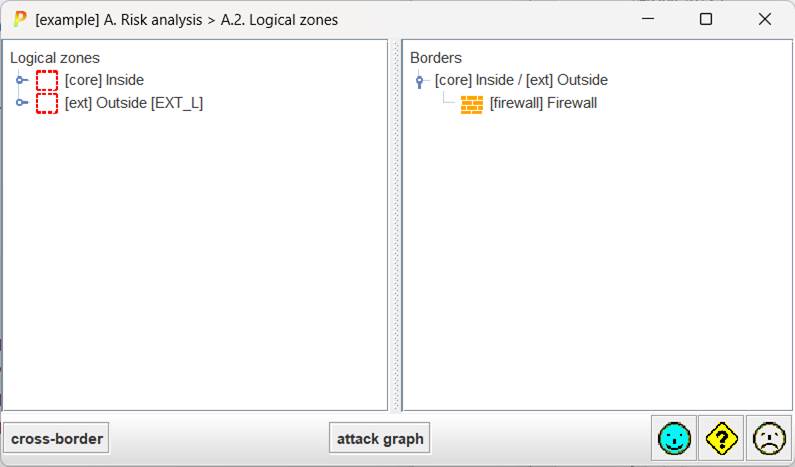
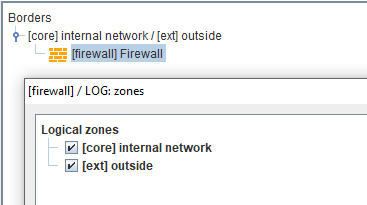
Please, note that while an asset is in zone A, it cannot be simultaneously in another zone B, unless it is in the border. An asset may be part of more than one border; that is, it may connect more than 2 zones.
Right click on root “logical zones” to create new zones, and to use a wizard to propose a standard allocation of assets around declared borders.
Right click on a zone to edit it.
Right click on an asset to edit it. Editing an asset means to set manually the zones where the asset can be reached. When the asset is in more than one zone, PILAR understand the asset is part of the border between those zones.