Basic usage is to introduce values for profile controls. Select the cell for a control, and a phase, then right click:
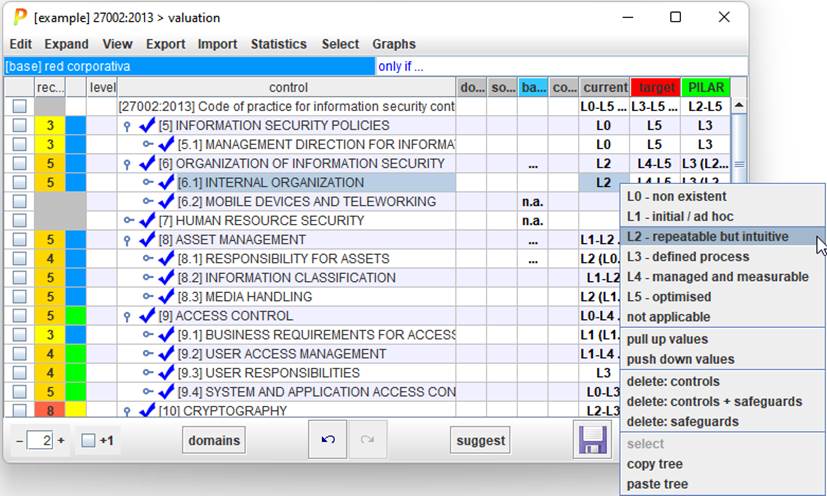
PILAR applies the selected maturity to the selected control. Then, it is copied onto every child.
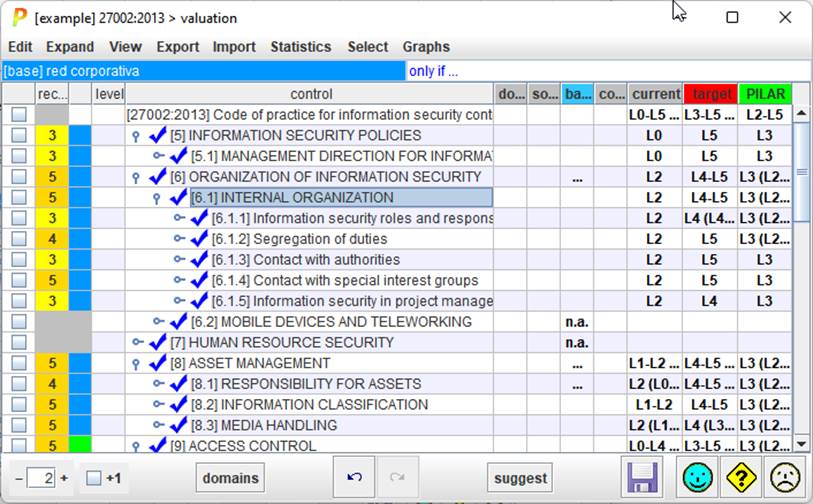
So, you can set a general value for many controls, and refine the details later. When children have a range of values, the common father presents the maturity range:
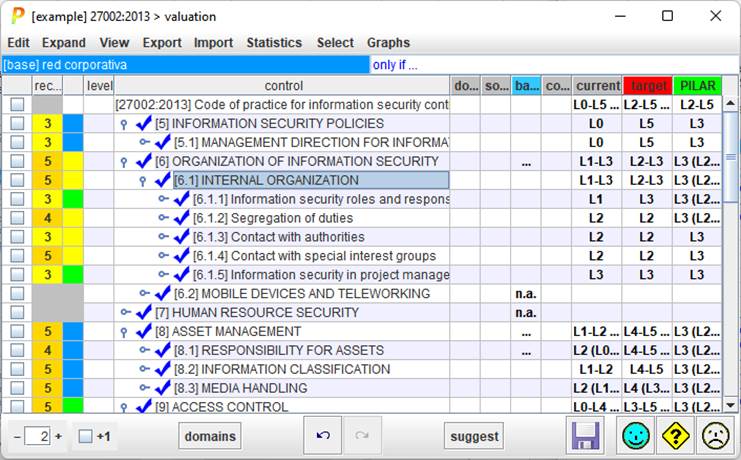
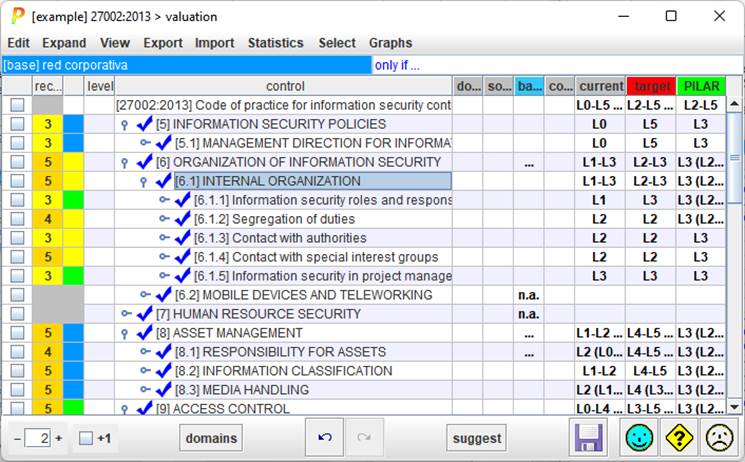
The value in one phase is used in following phases, unless changed.
PILAR maps controls onto safeguards. This mapping is neither official, nor perfect. It is not official because security profiles are pieces of work from different sources, unrelated to PILAR. And it is not perfect for several reasons:
· there may be no appropriate safeguard in PILAR to meet the control requirements
· the same safeguard in PILAR may apply to more than one control
· as PILAR evolves, the set of safeguards evolve
PILAR tries to do something reasonable.
When a safeguard is found in several mappings, change the value in one place has a ripple effect:
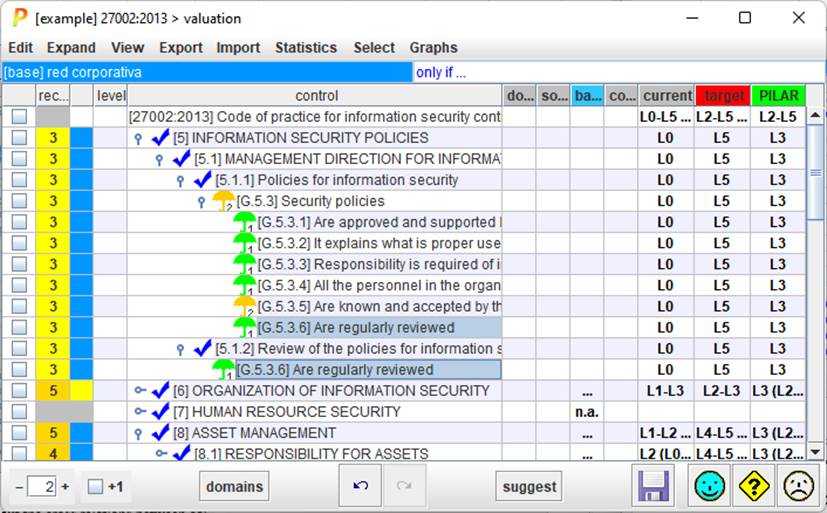
We may find out the cross relations between controls by asking for the safeguards used in several places
EXPAND > dual role