|
Incorporate layers defined in the INFO file. |
|
|
new layer |
Creates a new layer. |
|
edit layer |
Edits an existing layer. |
|
delete layer |
Removes a layer. |
To insert the standard layers (see info file)
§ layers / standard layers
To insert a new layer
§ menu layers / new layer
or
§ select a layer
§ right click + new layer
To
edit a layer
§ menu layers / edit layer
or
§ select a layer
§ right click + edit layer
To
remove a layer
§ menu layers / delete layer
or
§ select a layer
§ right click + delete layer
or
§ select a layer
§ click DEL
To
move a layer to another position
§ drag & drop with the mouse
You may edit layer data:
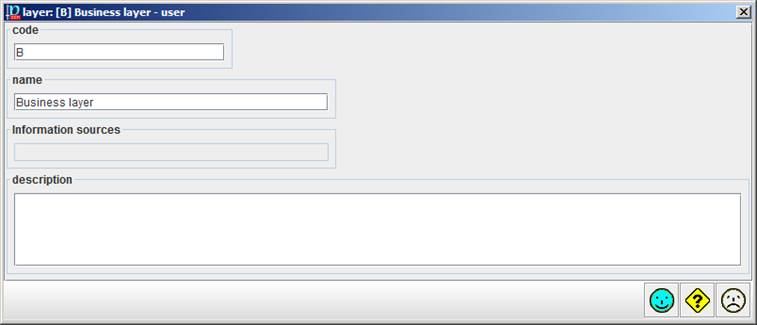
· The code must be unique.
· The name is a short, one-line, description.
· You may associate one or more information sources to the layer.
·
The description may be larger
and include external hyperlinks. To go to the linked page RIGHT-CLICK, then  .
.